




Limited Control Over Your Website?
Choosing the right WordPress developer is crucial. A thorough evaluation process—including clear project scope, budget, and timeline—is essential to ensure your developer aligns with your business goals. Avoid the pitfalls of rigid paid themes that can’t scale with your growing needs.

Limited capabilities? Need More Features?
If your current platform limits your website’s capabilities, upgrading to custom WordPress development tailored to your business needs can unlock powerful features and scalability. Our experienced WordPress developers in Canada deliver visually appealing, high-performing, and mobile-optimized websites, complemented by comprehensive services like SEO, digital strategy, and ongoing maintenance to ensure long-term success. This investment provides a future-proof digital foundation that drives measurable results and supports your growth in today’s competitive online landscape.

Outgrowing Startup Platforms?
Many startups begin with Wix or Squarespace but soon discover these platforms limit growth, customization, and advanced functionality. Transitioning to WordPress unlocks powerful tools, greater flexibility, and scalability, empowering your business to expand, adapt to evolving digital demands, and implement tailored solutions that drive long-term success.
The world's most powerful CMS, tailored to your business.
Unlock full control of your website with the most widely used content management system on the planet. WordPress powers 43% of all websites, making it the dominant CMS globally — and the platform of choice for businesses that need flexibility, ownership, and a mature plugin ecosystem without platform lock-in.

Fully customized CMS
We hand-craft every WordPress website from scratch to ensure it’s tailored to meet the very specific marketing and sales needs of your business.We hand-craft every WordPress website from scratch to ensure it’s tailored to meet the very specific marketing and sales needs of your business.
Our team has extensive experience in building custom platforms for a variety of industries, leveraging the expertise of a full-stack developer to deliver scalable, innovative, and personalized digital solutions. Premium agencies like ours typically offer comprehensive service suites that align website development with your broader business objectives.

Complete content management
We put as much emphasis on back-end design for your marketing team as we do on front-end design for your customers, so you can manage the site with ease.
Incorporating thorough user research and expert UX design is essential in creating content management systems that are both intuitive and effective. These practices drive user engagement, resulting in higher conversions and improved business outcomes. Leading web development agencies prioritize defining meaningful success for your organization and invest time to understand your revenue model, customer decision-making process, and sector-specific needs to deliver superior results.

Speed and performance
With a handcrafted WordPress website design, the sky is the limit when it comes to performance optimizations – we know all the tricks of the trade.
Quality assurance and security monitoring are essential components of ongoing website support, ensuring your site remains secure, high-performing, and fully functional after launch. Post-launch maintenance is crucial for keeping your WordPress site running smoothly over time.
THE COMPANY WE KEEP


“We partnered with Parachute to complete a brand refresh and website redesign, and the experience was outstanding from start to finish. Jay and his team brought incredible creativity, attention to detail, and professionalism to the project. The new website has received fantastic feedback from our team, clients, and partners—it truly reflects our brand in a fresh and engaging way. Communication was seamless, timelines were met, and the quality of work exceeded expectations. I highly recommend Parachute to anyone looking for top-tier web design and branding expertise!”
Custom WordPress design, top to bottom.
First things first, we sit down with you to discuss the current pain points of your existing website and understand your frustrations. We explore the direction your business and marketing strategy are heading and develop a comprehensive plan to address all issues with your current CMS. This plan also includes wishlist items to make your new website scalable and future-friendly. As part of our key considerations, we recommend starting with a smaller, targeted project such as a landing page. This approach allows you to evaluate our capabilities and ensure alignment with your business objectives before committing to a full website overhaul.
Before diving into creative UI design, we conduct an in-depth user experience (UX) strategy session with you and your team. During this wireframing exercise, we meticulously plan each unique page within the new website, mapping out the user journey, information architecture, and conversion rate optimization strategies. This ensures your new website not only meets but exceeds performance expectations. Our extensive experience in developing websites for mid-sized businesses and enterprises, combined with strong project management and collaboration practices, ensures your project is handled efficiently and achieves measurable outcomes.
With the UX strategy finalized, we enter the creative phase. Using the collaboratively crafted wireframes, we design high-fidelity concepts for both desktop and mobile environments. We provide working prototypes to facilitate informed decisions, ensuring the design is visually appealing and optimized for all devices. Our creative directors work closely with you to refine the artwork, aligning it with your brand identity and digital marketing goals.
Once the design is approved, our expert WordPress developers transform the visual concepts into pristine, highly optimized code. We focus on website performance and SEO optimization, ensuring your WordPress site is fast, secure, and mobile-friendly. During the beta or staging phase, all stakeholders engage in rigorous user testing to verify content accuracy, graphic display, and website functionality across browsers and devices.
Pre-launch, we conduct speed and performance testing to confirm the site exceeds industry benchmarks, supporting your digital transformation objectives. On-time delivery is a cornerstone of our client satisfaction, and we pride ourselves on meeting deadlines throughout the development process.
After deployment to the production server, we perform post-launch performance testing and implement proven optimization strategies to maximize website traffic and user engagement. Before handing over the keys, we provide a comprehensive training session via screen share, guiding your team through the powerful content creation and management tools now at their disposal. We demonstrate real-world scenarios and best practices, empowering your team to confidently manage the website.
To support different learning styles, we record this session and make it available for download, ensuring ongoing access to training materials. All new website deployments include complementary software updates, maintenance, and bug fixes for 60 days post-launch. During this period, we provide dedicated support, promptly addressing any questions and monitoring your site with automated tracking services.
To help you evaluate our effectiveness as your trusted WordPress development partner, we encourage you to review our case studies, which demonstrate measurable outcomes from previous projects. We maintain transparent pricing to reduce the risk of scope creep and facilitate informed decision-making. Typical project timelines for custom WordPress development range from 3 to 6 months (14 to 24 weeks), depending on complexity. Post-launch costs, including ongoing maintenance, often amount to 15-25% of the initial development investment annually.

Web Development
Custom, open-source web development that is tailored to meet your specific marketing goals and functional needs.

eCommerce
Highly customized eCommerce website design that doesn't restrict your growth or online marketing capabilities.

SEO
Search engine optimization woven into every aspect of the website design and development process.

CRO
Design and implementation of conversion strategy to turn more visitors into qualified leads for your business.
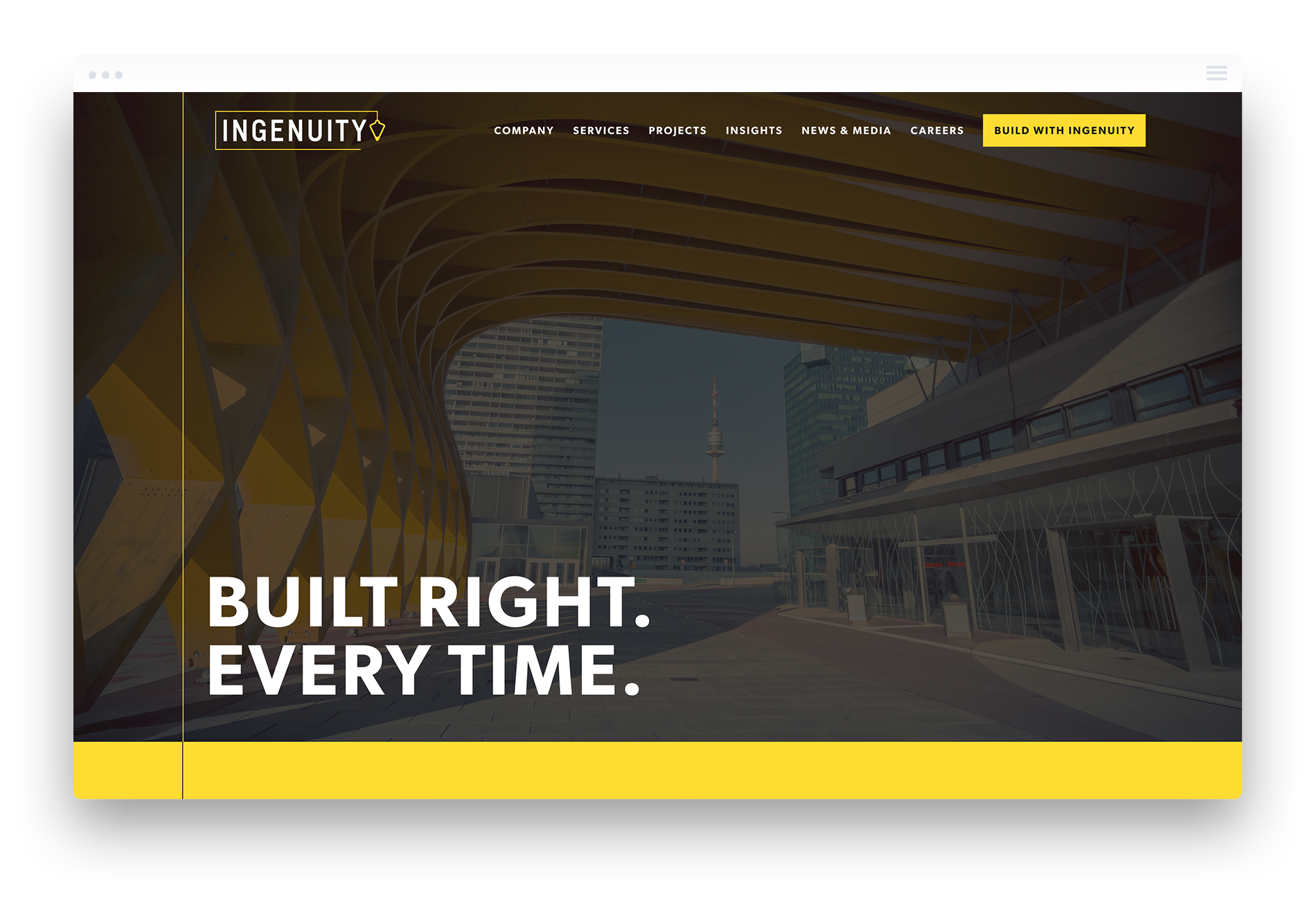
Ingenuity
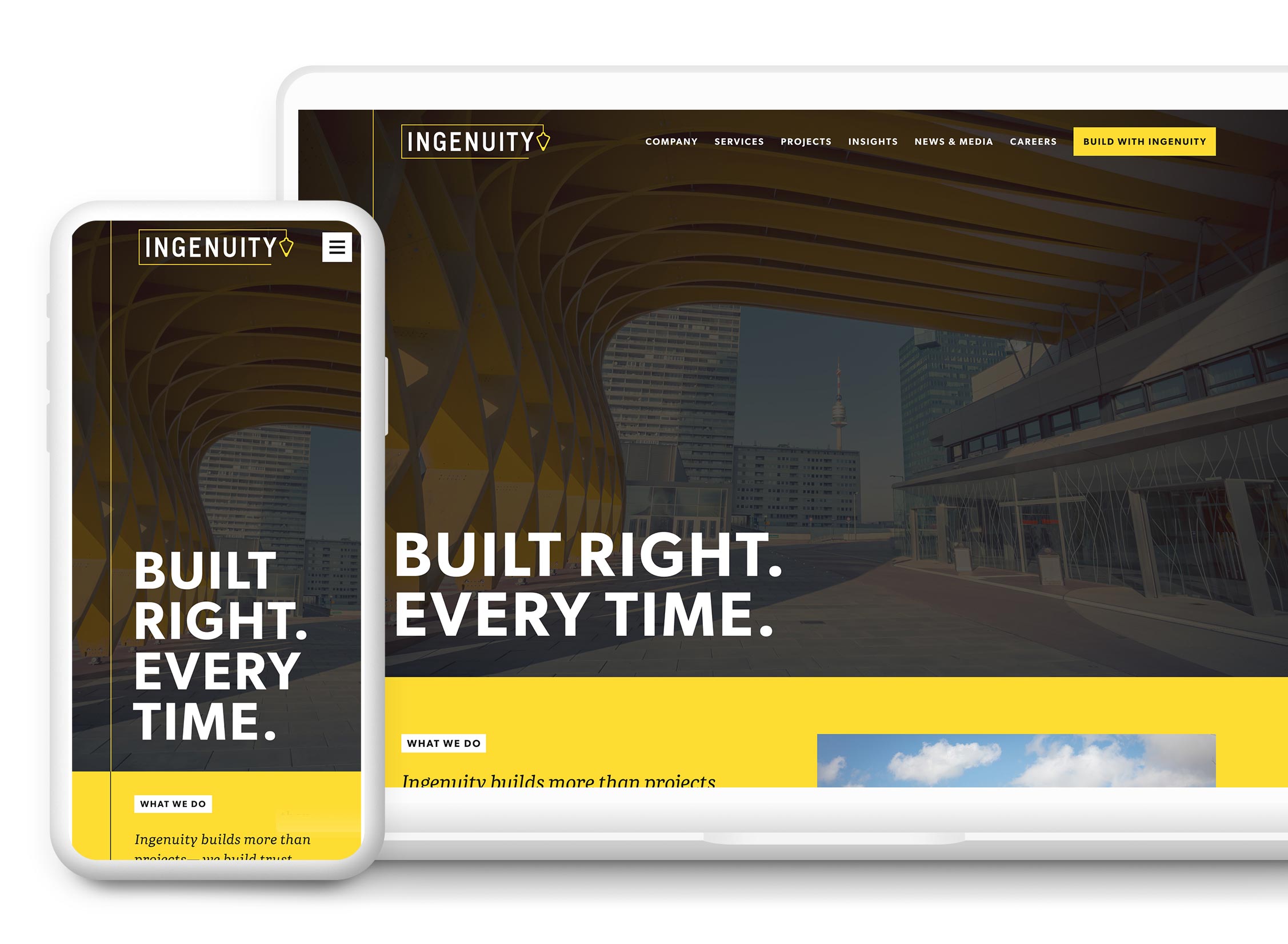
A corporate brand refinement including communications strategy and a custom-crafted website powered by a WordPress CMS for one of Ontario’s highest-regarded construction firms.
- Branding Strategy
- Brand Messaging
- Identity Design
- UX (User Experience) Design
- Information Architecture
- Responsive Website Design
- Art Direction & Consulting
- Custom WordPress Development
- Search Engine Optimization
WordPress development questions, answered.
We take pride in providing transparency to our clients and strive to maintain clarity in everything we do. If you’re not ready to contact us but have a question, you may find answers here.
More FAQsCustom WordPress development projects at Parachute typically range from $15,000 to $80,000+ CAD depending on scope and complexity. Microsites and smaller projects start at $15,000 CAD. Full B2B marketing websites range from $50,000 to $80,000+ CAD. Custom eCommerce builds start at $60,000 CAD. Every project includes 60 days of post-launch support.
Most custom WordPress development projects take between 14 and 24 weeks from kickoff to launch. Smaller projects can be completed in as little as 10 weeks. Larger, more complex builds with custom functionality or extensive content requirements take longer. We provide a detailed project timeline at the start of every engagement.
Every Parachute WordPress project includes 60 days of post-launch support covering software updates, maintenance, bug fixes, and 24/7 automated uptime monitoring. We also provide hands-on CMS training via screen share, with a recorded session available for your team. After the 60-day period, ongoing maintenance plans are available.
Yes. We handle full migrations from Wix, Squarespace, and other platforms to custom WordPress. The migration process includes rebuilding your site from scratch in WordPress — not just transferring content — resulting in a faster, more flexible, and fully owned website with no platform lock-in or ongoing licensing fees.
No. Every WordPress website we build is hand-crafted from scratch using custom code. We do not use premade themes, page builders, or visual editors like Elementor or Divi. This approach produces cleaner code, better performance, stronger SEO, and a fully custom design — without the bloat, security vulnerabilities, and design limitations that come with themes and page builders.
Yes. After the 60-day post-launch support period, we offer ongoing monthly WordPress maintenance plans covering software updates, security monitoring, performance checks, and content updates. Post-launch costs typically amount to 15 to 25 percent of the initial development investment annually.
Yes. We have operated as a fully virtual agency since 2009 and work with clients across Canada and North America. We serve businesses in Vancouver, Calgary, Ottawa, and beyond. Our structured remote project management process delivers the same quality and communication as any local engagement.
Get a WordPress Development Quote.
We craft high-quality, hand-tailored WordPress websites that align with your business goals. Our expertise lies in developing bespoke WordPress solutions focused on performance, scalability, and a seamless user experience to help your brand grow.
Get a Quote